Four entity types, one database
Characters, locations, timeline events, and objects all live in a single Notion database. An Entity Type field sorts everything into the widget's own tabs automatically; no separate databases to keep in sync.
Characters, locations, timeline events, and objects, all linked to each other and sorted automatically. Update your Notion database once and the widget reflects it everywhere it's embedded, including your website, your newsletter, and a shared reference page for readers or co-writers.
Characters, locations, timeline events, and objects all live in a single Notion database. An Entity Type field sorts everything into the widget's own tabs automatically; no separate databases to keep in sync.
Mark which characters, locations, or objects relate to each other and jump between them with a click. A character's page links straight to the events and places tied to their arc, so exploring your world never dead-ends.
Give timeline events an Order number and they line up automatically, in sequence, every time. No manually dragging events around every time a new plot point gets added.
Change a detail in Notion and it's live on every embed instantly, including your website, a shared reader reference page, and a co-writer's canon doc. No republishing, no manual syncing.
Continuity notes are often more sensitive than a public book list. Every widget is scoped to just your own data; nothing is exposed unless you choose to embed it somewhere public yourself.
Your continuity tracker lives in a Notion database you control, not a subscription tool that could disappear. A free pre-built template is included so you can duplicate it and start filling it in immediately.
Instant delivery. Your private setup link is emailed right after purchase. All sales final.
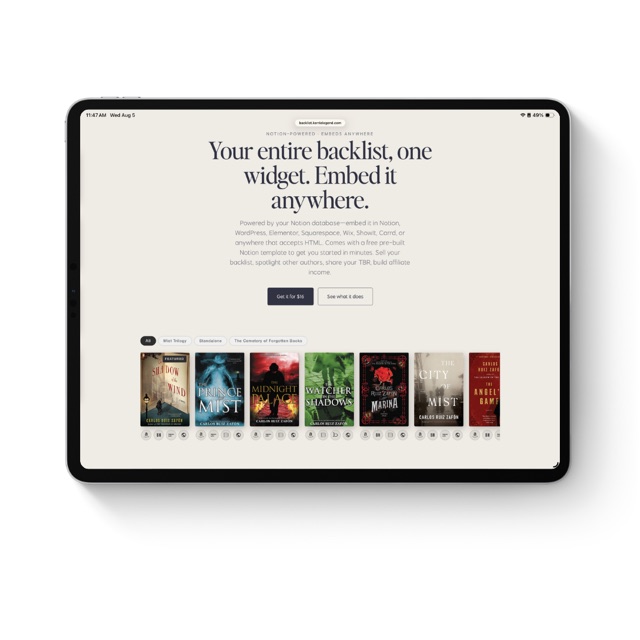
Your entire backlist, one widget. Embed it anywhere.
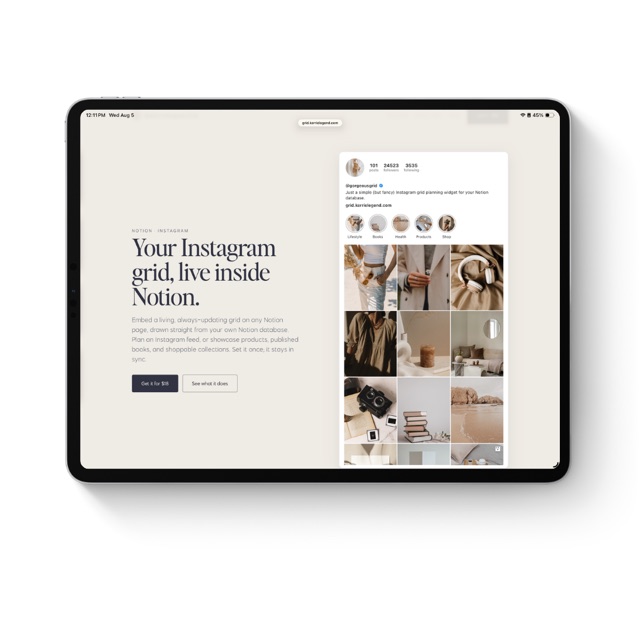
Your Instagram grid, live inside Notion.
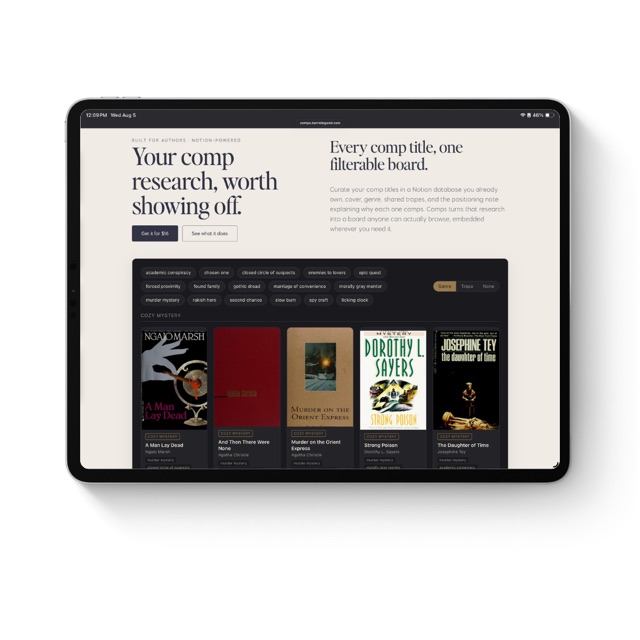
Your comp research, worth showing off.
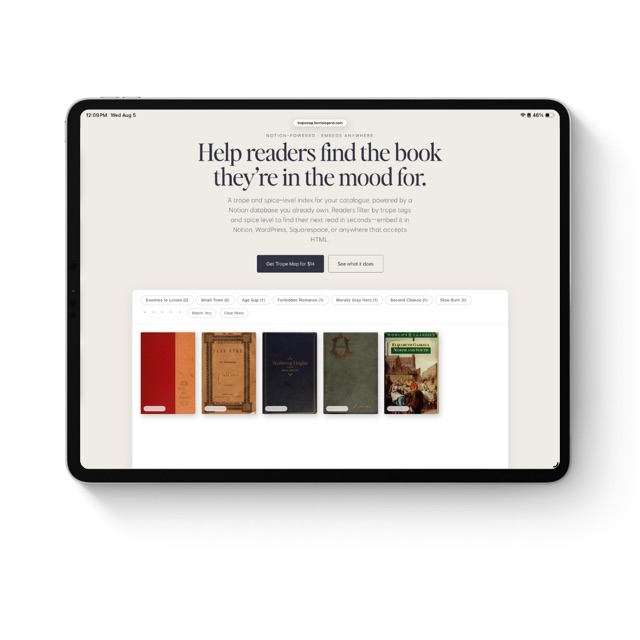
Help readers find the book they're in the mood for.
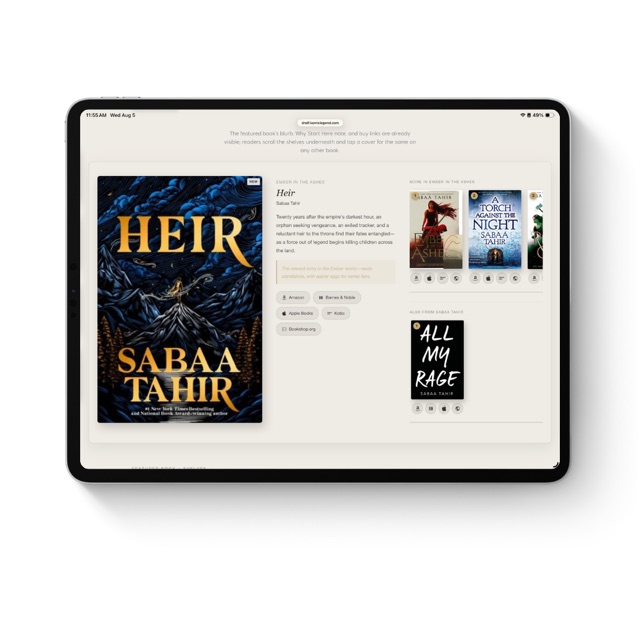
Your featured book, your shelves, one widget. Embed it anywhere.
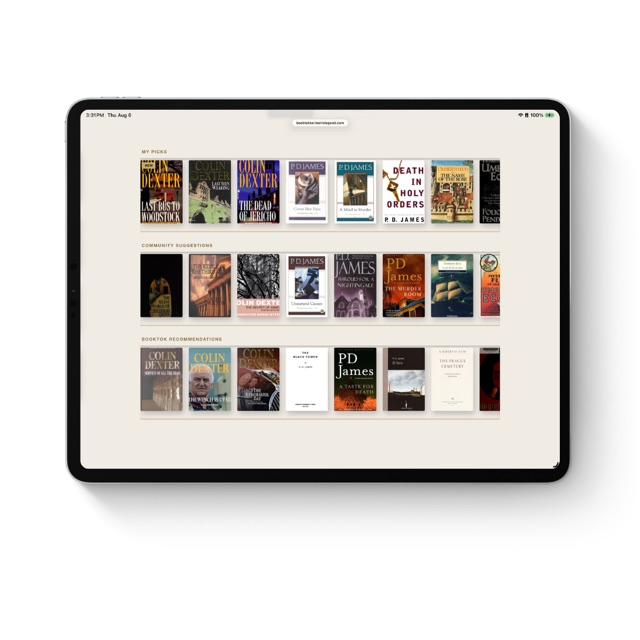
Your TBR, three shelves, one widget. Embed it anywhere.
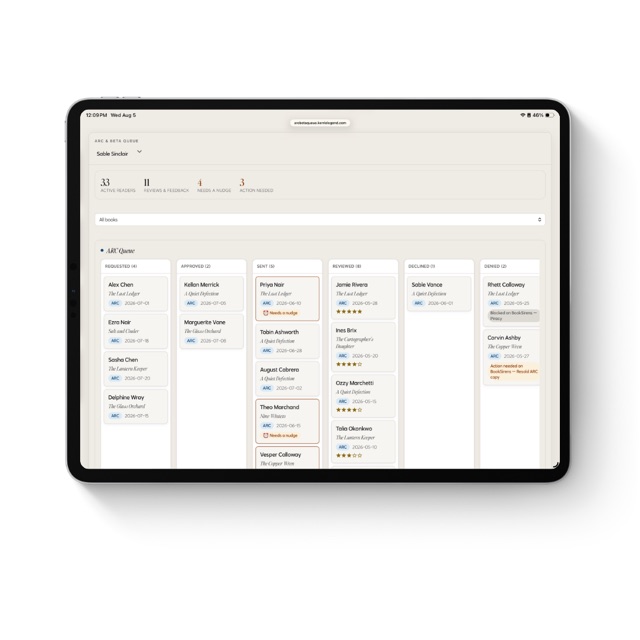
The reader tracker that tells you who needs a nudge.
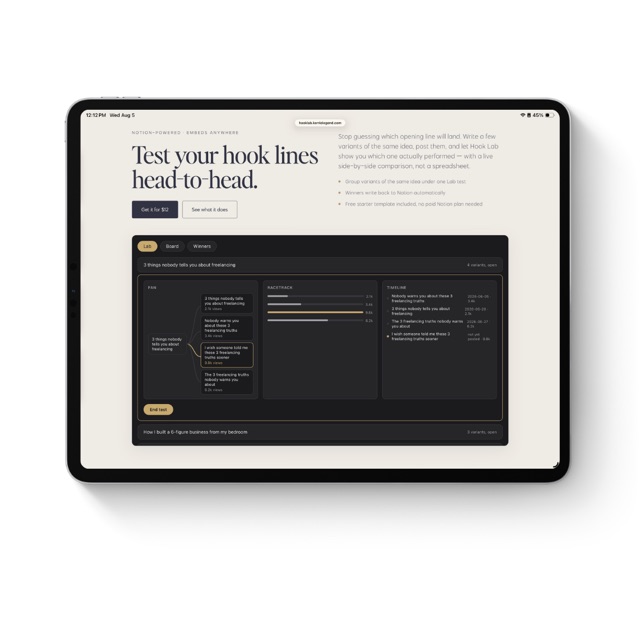
Test your hook lines head-to-head.
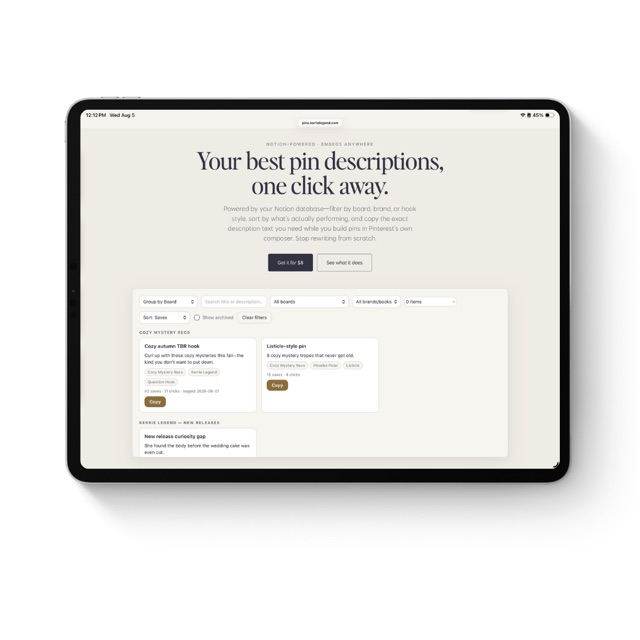
Your best pin descriptions, one click away.
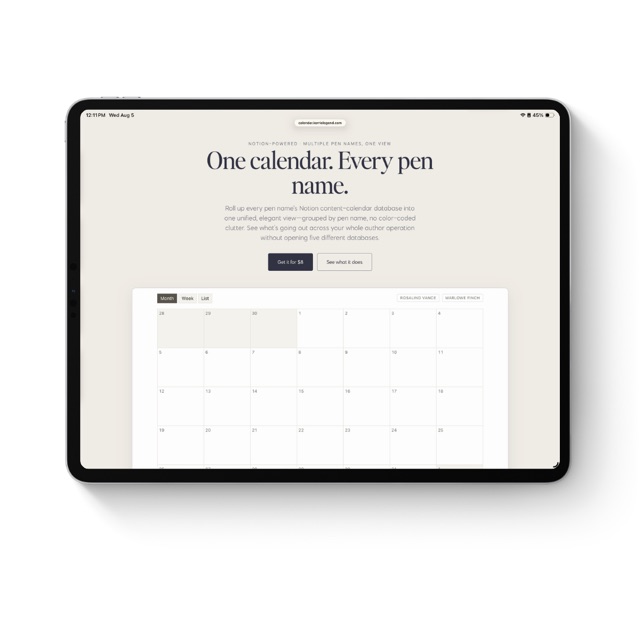
One calendar. Every pen name.
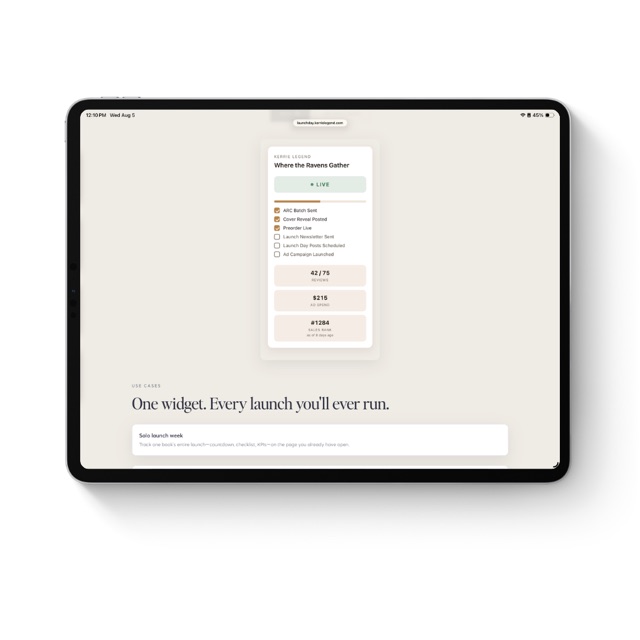
Your launch week, one glance in Notion.
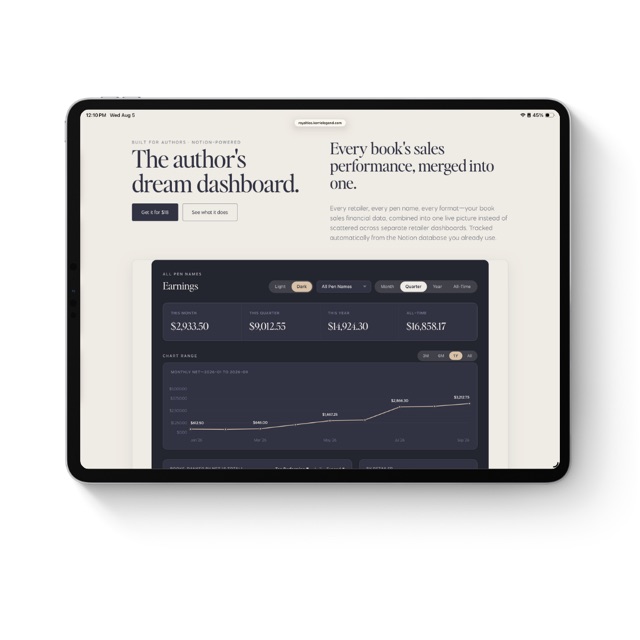
Every retailer, every pen name, one live royalty dashboard.
Your compass to an independent creative life. Books, posts, and solutions for creatives charting their own course to a sustainable, independent business.
kerrielegend.com